roofing contractor software
Roofing Contractor Software: Build a Better Job Pipeline
How roofing and exterior contractors can manage leads, inspections, estimates, active work, and final payment in one visual pipeline that keeps every job visible.
June 9, 2026 · 7 min read
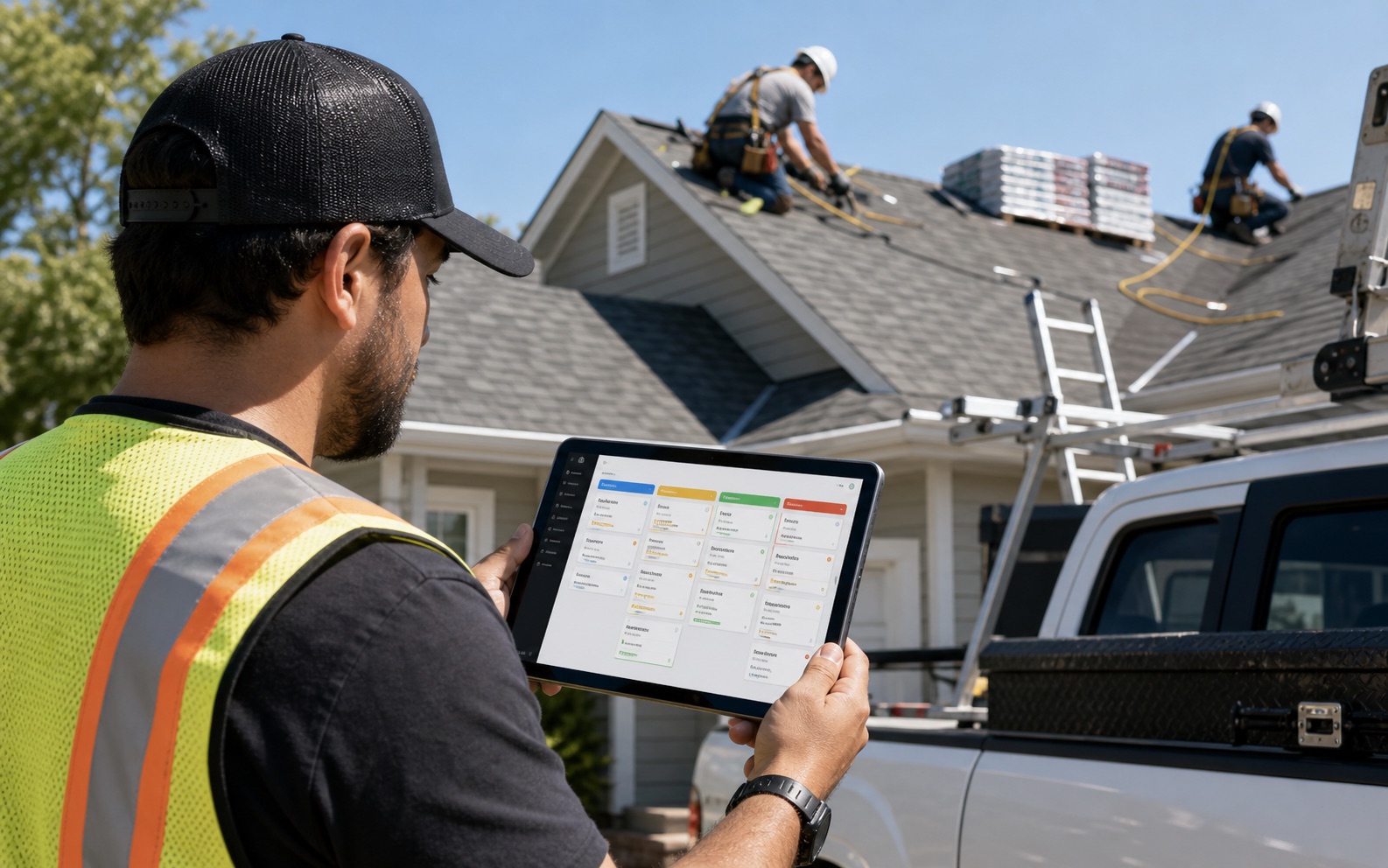
Roofing jobs move through clear stages
A roofing job almost always follows the same progression: a lead comes in, an inspection gets scheduled, an estimate is prepared, the client approves it, the crew does the work, an invoice goes out, and payment is collected. The trouble is that most roofing businesses are running twenty or thirty of these cycles at different stages simultaneously, and keeping track of which job is in which stage is where things fall apart.
A visual pipeline solves this by giving each job a clear position in the workflow. You see at a glance which leads need a callback today, which inspections are scheduled for this week, which estimates are still waiting for client approval, and which completed jobs have not yet been invoiced.
When everything is visible on one screen, follow-through improves dramatically. Jobs do not stall because no one remembered to send the estimate. Invoices do not go out two weeks after completion because someone forgot to check the status.
Managing a surge in leads after a storm
For exterior contractors, storm damage events create a sudden influx of leads that a spreadsheet simply cannot handle. When thirty new contacts come in over forty-eight hours, the difference between closing fifteen jobs and closing five often comes down to how quickly and consistently you can follow up.
A contractor pipeline app lets you enter each lead immediately from your phone, assign it a priority, and schedule an inspection without going back to the office. The next morning, you can see every new lead ranked by when they came in and what stage they are in, rather than digging through texts and voicemails to piece the picture together.
After storm season, reports showing lead conversion rates — how many leads became inspections, how many inspections became signed jobs — tell you where the drop-off is happening and what part of your sales process needs work.
Pipeline views make follow-up systematic, not personal
Most follow-up failures in contracting businesses are not personal failures — they are system failures. When follow-up depends on someone remembering to call, jobs get followed up in proportion to how memorable or persistent the client was, not in proportion to how qualified or valuable the lead is.
A pipeline that shows every job at every stage removes the memory requirement from follow-up. Every morning, you can look at the leads column and see exactly who has been in that stage for more than three days and needs a call. You can look at the estimates column and see who received a quote last week but has not responded yet.
This systematic approach is what separates contractors who close thirty percent of their leads from those who close fifty percent. The difference is rarely the quality of the work — it is the consistency of the follow-through.
Coordinating multi-crew roofing projects
Larger roofing jobs often require coordinating multiple crews across different phases of the same project — tear-off crew, installation crew, flashing and detail crew, cleanup crew. When crew assignments live in a group chat, it is easy for workers to show up expecting another crew to be done and find the site not ready.
A contractor job management app lets you assign specific workers to specific phases of a job and set the order in which phases should be completed. When the tear-off crew marks their phase complete in the app, the installation crew lead gets a notification that the site is ready.
This kind of handoff tracking is especially valuable for crews that work across multiple projects in a day. Instead of a phone call chain to coordinate timing, the app becomes the communication layer between phases.
From inspection to final payment without the gaps
The inspection is one of the most important steps in a roofing job because it sets the scope, the price, and the client's expectations. An inspection that is properly documented — with photos, measurements, and a digital record of what was found — creates a much cleaner paper trail from estimate to invoice.
When the inspection report is stored in the same app as the job, estimate, checklist, and invoice, every piece of information is connected. The estimator does not have to hunt down inspection notes. The crew does not have to guess which areas of the roof were flagged as priorities. The admin generating the invoice can see exactly what was agreed at the inspection stage.
After the final payment is collected, the completed job becomes a searchable record. If the client calls back two years later with a warranty question, you can pull up the job, the original inspection, the crew that did the work, and the completion photos in under a minute.