invoice app for contractors
Field Service Invoice and Payment Tracking for Contractors
A practical guide to tracking contractor invoices, partial payments, worker payouts, and job profitability — so you always know exactly where your money stands.
June 9, 2026 · 7 min read
Invoices should connect to real job status
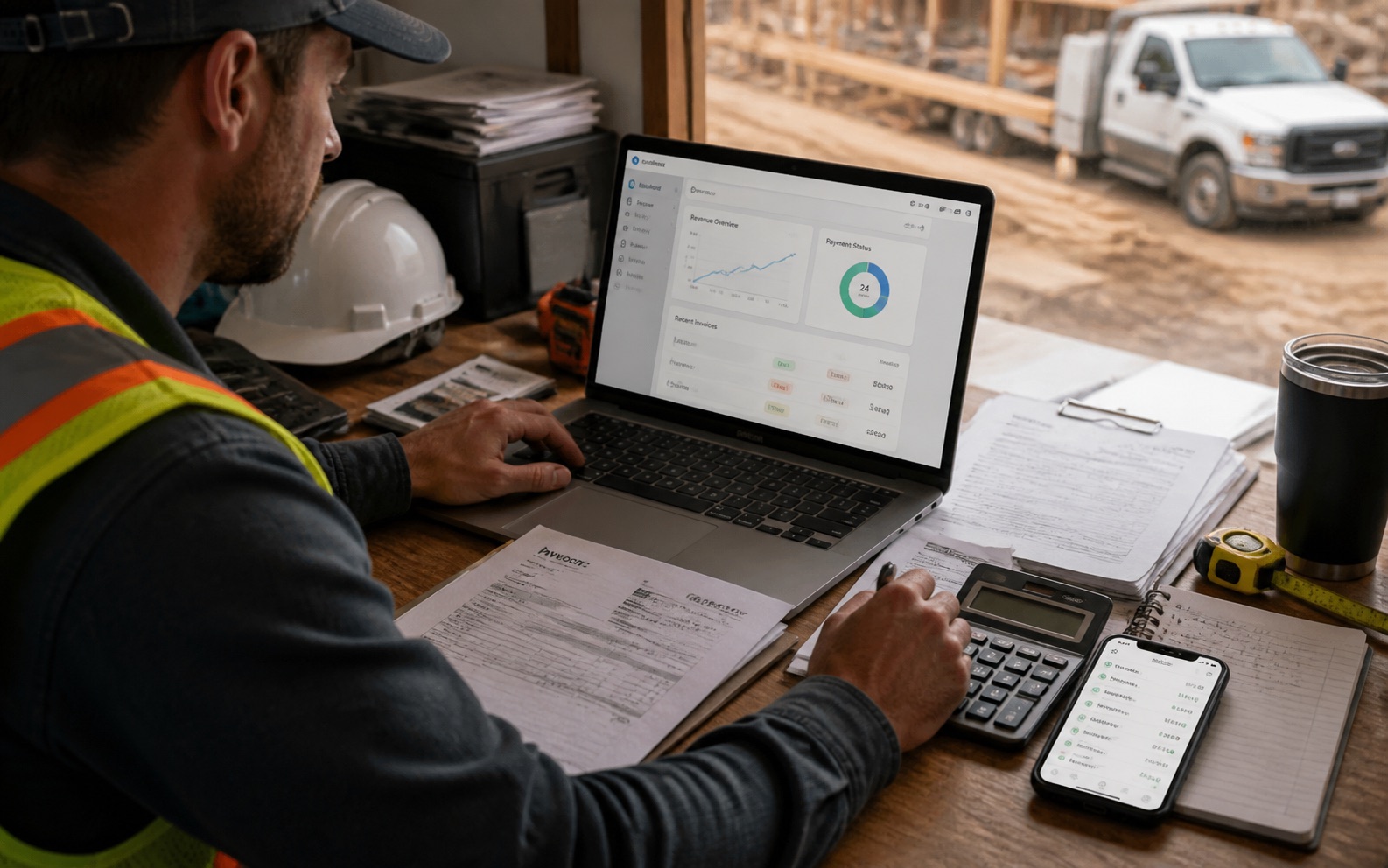
One of the most common cash flow problems in field service businesses comes from invoicing that is disconnected from actual job progress. Contractors send invoices based on memory, not system data, which means invoices go out late, sometimes for the wrong amount, or for work that has not actually been completed yet.
A contractor job management app that ties invoices directly to job status solves this at the root. When a job moves to the completed phase, the system can immediately surface it for invoicing rather than waiting for someone to remember. When a partial payment comes in, the job reflects the correct outstanding balance automatically.
The goal is to make billing feel like the natural next step in the workflow rather than a separate administrative task that competes for attention at the end of a busy day.
Why partial payments create confusion
Partial payments are extremely common in contracting — a deposit upfront, a progress payment after rough-in, a final payment on completion. But tracking partial payments manually across multiple jobs is where a lot of small contracting businesses lose track of money.
If you are using a spreadsheet, you might track the total invoice amount and then manually subtract each payment as it comes in. When you have twenty active jobs, that spreadsheet becomes a full-time job in itself, and errors creep in constantly.
A contractor invoice app handles partial payments as first-class records. Each payment is logged with an amount, a date, and a method — cash, bank transfer, card — and the remaining balance updates automatically. You can see, at any moment, exactly how much each client still owes across every active and recently completed job.
Track worker pay beside project revenue
Job profitability is only meaningful when you can see worker costs alongside client revenue. If you track invoices in one place and worker payments in another, you never get a clear picture of whether a job actually made money.
A field service management app that combines worker payment tracking with job revenue gives you the margin calculation in one view. You can see what a job billed, what materials it consumed, what the workers were paid, and what is left over — without exporting anything to a spreadsheet.
This matters most for pricing decisions. Contractors who know their per-job margin can make better decisions about which job types to take on, which clients to prioritize, and where to adjust their labor rates when costs change.
Getting clients to pay faster
The fastest path to getting paid is making it easy for the client to pay. A digital invoice that arrives in their email inbox with a clear total, a breakdown of work, and a simple way to confirm receipt gets paid faster than a paper invoice handed over at the end of the job.
Digital signatures on completion acknowledgments also reduce payment friction. When the client has already signed off on the completed work inside the app, they have fewer grounds to dispute the invoice or delay payment. The signature creates a clear moment where both parties agreed the work was done.
Follow-up reminders are another practical tool. Instead of making an awkward phone call to ask about an unpaid invoice, an app can flag overdue invoices and give you a clear list of who to follow up with, how much they owe, and when the invoice was sent.
Use payment reports to find where money gets stuck
Payment reports reveal patterns that are invisible when you are managing invoices one at a time. Looking at a month of data together, you can see which job types consistently take the longest to get paid, which clients are always late, and which phases of work have the highest open invoice balances.
This kind of visibility is particularly useful for seasonal businesses. A roofing contractor who does most of their volume in the spring and fall may find that cash flow stress in July comes from a pattern of slow payers, not from a lack of jobs.
The best contractor finance tools let you filter reports by job type, worker, client, or time period, so you can ask specific questions rather than looking at a single summary number. Understanding your cash conversion cycle — how long from job completion to money in the bank — is the first step to improving it.